Configuring scenario task parameters

Print Previous page Top page Next page

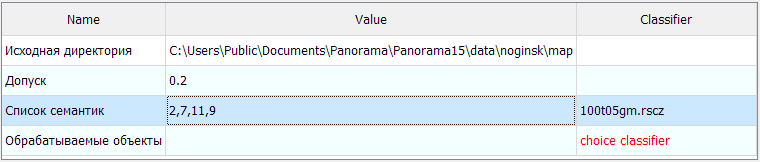
This task is designed for configuring scenario task parameters. The dialog is presented as a table of parameters assigned in the task tree and their values.

Path to task parameter files: ...\Users\Public\Documents\Panorama\scenario.xml


clip0121


Operation modes


Name

Task parameter name

Value

Task parameter value

Classifier

Classifier name

Available for the "model" and "semanticlist" types


Editing values is performed by double-clicking on the Value field.


Types of value editing by parameter type


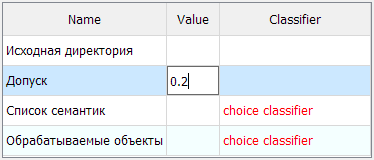
"integer", "decimal"


Enter a value with "Number" type control and within the range of minimum and maximum values (if specified).


clip0122

"string"

Enter the value as a string.

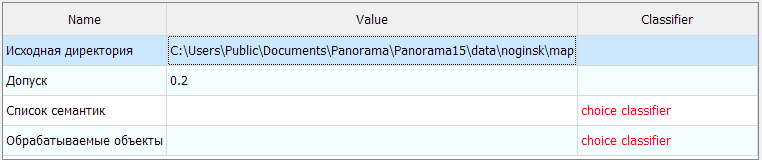
"dir"


Select a directory using the dialog.


clip0123


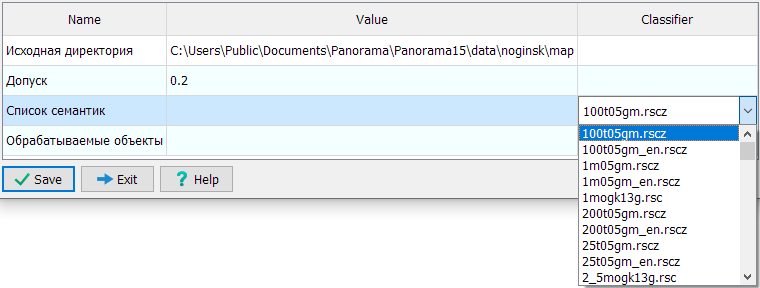
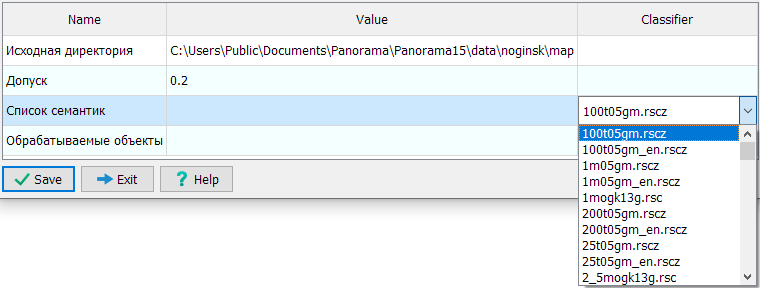
"semanticlist"


Select a classifier from the drop-down list in the Classifier field.


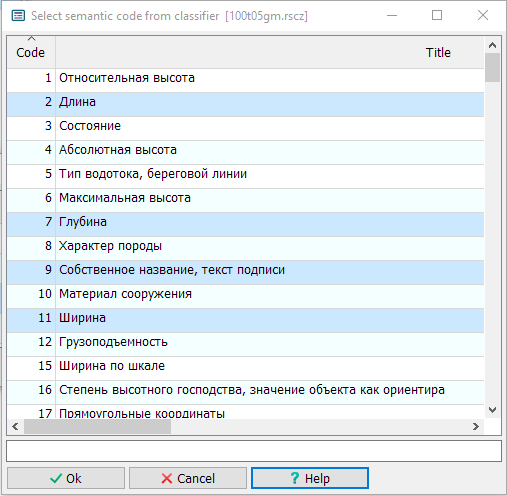
clip0124

Select a list of semantic codes.


clip0125


Resulting record of the semantics list.


clip0126

"model"


Select a classifier from the drop-down list in the Classifier field.


clip0127

Configure the object selection model.


clip0128


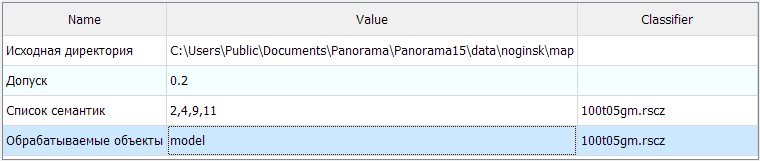
Resulting record: model name.


clip0129

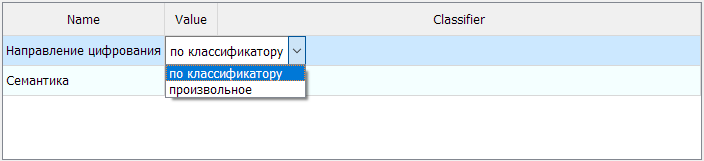
"enumeration"


Select an enumeration from the list.


clip0130