Map Export |


|
|
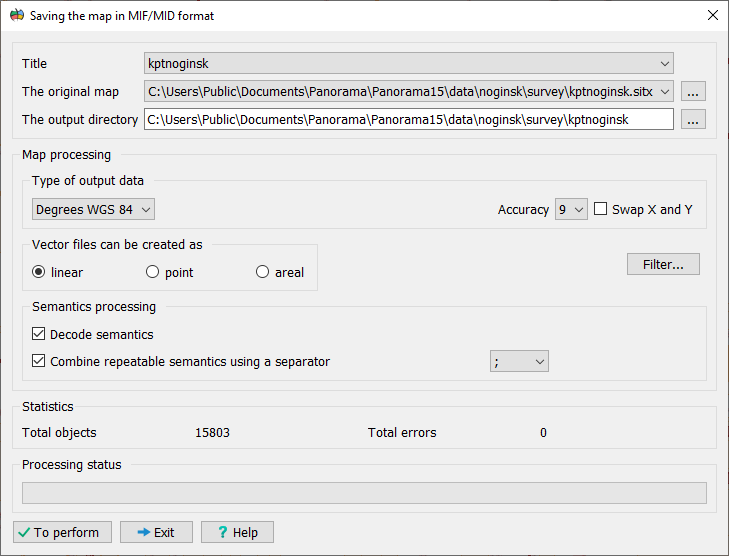
This dialog is designed to export the selected map to MIF/MID exchange format files (MapInfo).
Procedure: 1. Select the source map: • From the Source Map drop-down list, select a map to export. • After selecting a map, the Name list and the Output Directory field will be updated automatically.
2. Specify the output directory: • Set or select a folder to save the resulting files. This parameter can be changed independently of the source map selection.
3. Configure export settings: • Output Data Type: Select the unit of measurement for coordinates from the list: — Meters (on-ground) — Degrees • Precision: From the drop-down list, select the number of decimal places for the coordinates.
4. Configure object filter (optional): • Click the Filter... button to configure the set of map objects to be exported.
Export to MIF/MID Format |