Editing text semantics |


|
|
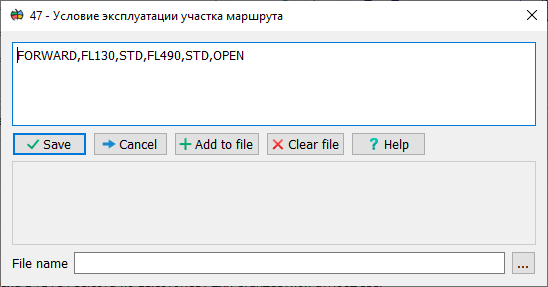
This dialog is used to enter and edit the value of String type semantics. The dialog allows you to enter arbitrary text or select values from a text file. File selection is performed by clicking the "..." button. The contents of the file are displayed in the lower part of the dialog.
Control Descriptions:
|