Address formation according to the state address register |


|
|
Address Formation Dialog
The dialog is intended for sequential selection of address elements from the corresponding lists and thus forming the complete address of an object. The next list becomes available only after an element is selected in the previous one. The set of elements in the first list is determined by the composition of the constituent entities of the Russian Federation. The elements of each subsequent list are determined by the element selected in the previous one. The fields Other location description and Unformalized address (location) description are available for free editing. The Ok button is intended for passing the formed address to the calling dialog. When the Exit button is pressed, the dialog is closed without saving changes.
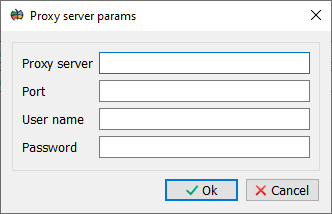
In some organizations, a proxy server may be installed for accessing the Internet. To set the parameters for accessing such a server: 1. Open the Geoportals Settings dialog. 2. Set the Use proxy server property. 3. Configure the proxy server parameters using the Proxy Server Parameters dialog (User Authorization tab).
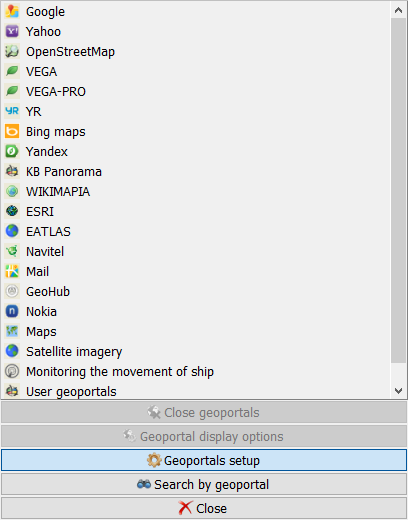
Calling the Geoportals Settings dialog
Geoportals Settings dialog
Proxy Server Parameters dialog |