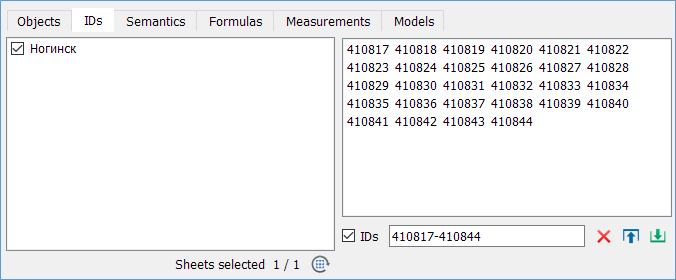
Numbers

Print Previous page Top page Next page

clip0081


Operation Modes


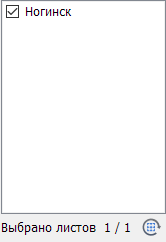
clip0082 Reset Sheets

Resets the object selection by nomenclature.

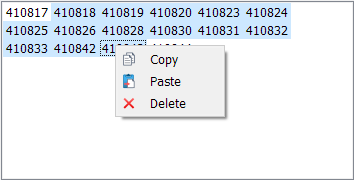
clip0083 Delete

Deletes the selected unique object numbers from the list.


clip0084 Load

Loads a list of unique numbers from a text file. Supported delimiters: ,, ;, tab.

clip0085 Save

Saves the list of unique numbers to a text file.


For unique numbers to be applied as selection criteria, the Numbers mode must be set. Unique object numbers will only be considered for those sheets (nomenclatures) that are included in the current selection conditions.


clip0086


Methods for Adding Numbers


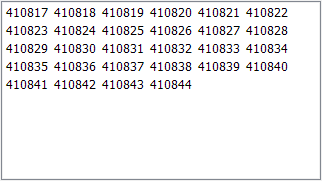
"Number List"


1. Load from File clip0087


2. Paste from Clipboard (first activate the "Number List" dialog element). Supported delimiters: ,, ;, tab, line break. New numbers will be added to the existing list.


clip0088


3. Context Menu


clip0089

"Numbers"

Manual entry of unique numbers or ranges separated by commas. When values are entered or modified in this field, the "Number List" is automatically updated accordingly.


clip0090