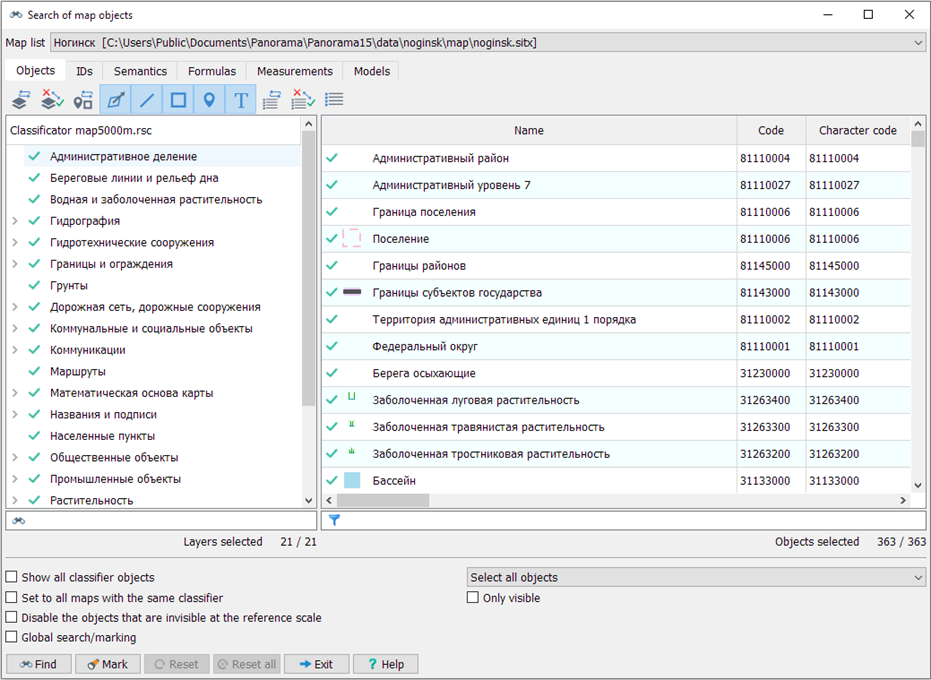
Search and selection of map objects |


|
|
Setting search or display parameters for map objects
Dialog operation modes
|
Search and selection of map objects |
|
|
Setting search or display parameters for map objects
Dialog operation modes
|

 Map Objects Search Mode is designed for searching and highlighting objects on vector maps that are part of the open document.