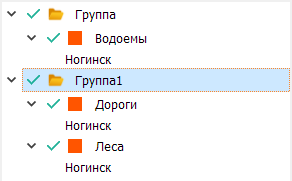
Renaming Groups
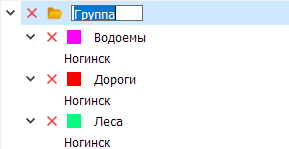
Double-click the left mouse button on the group name.
Creating a Group
Select the Add Group mode
Assigning Visibility to Object Lists
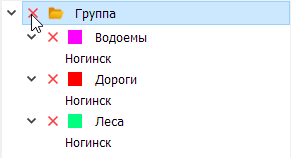
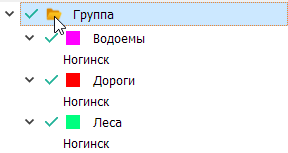
Left-click the mouse in the thematic layer visibility status display area.
Example:
Assigning Color to Conventional Symbols
Left-click the mouse in the group display area.
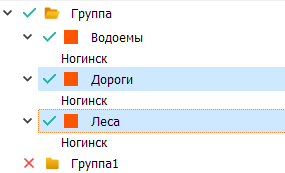
Dragging Lists into Groups
Select the object lists.
And using the Drag&Drop mechanism, drag them into the desired group.