Sorting of the object table |


|
|
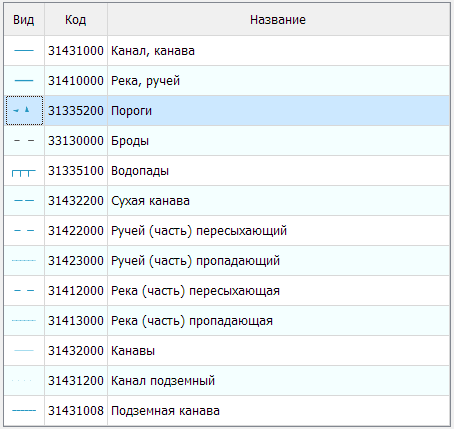
Three states are available for sorting a single field. Switching the sorting state is performed by successively left-clicking on the column header.
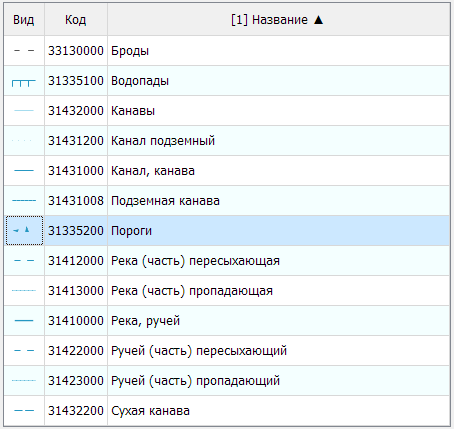
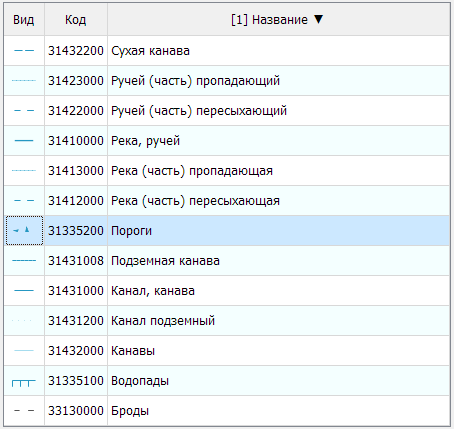
The column header shows the order [1] and the sort type ▲ or ▼. For example: [1] Name ▲. For multi-level sorting, specify the first column by left-clicking on the table column header. Then, assign and change the sorting order using the combination Shift + left-click on the table column header.
Example of sorting by the fields "Class" and "Name"
|