Table of Objects |


|
|
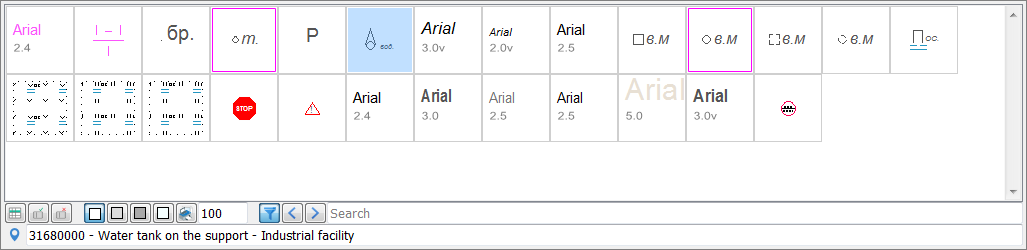
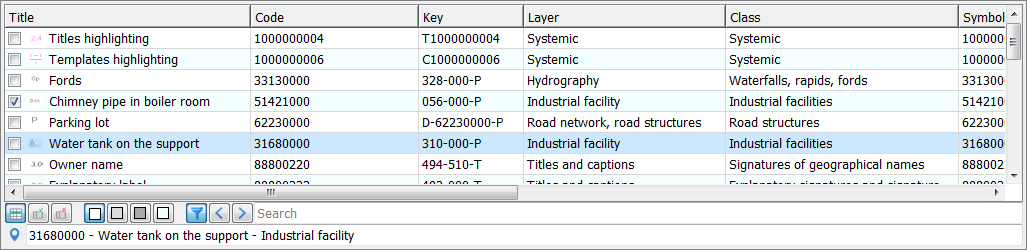
This element is designed to display the appearance and characteristics of objects.
Object icons list
Object characteristics table If an object is selected, it is highlighted with a purple frame in the icons list. In table view, objects are selected by checking the box in the first column; in the icons list — by double-clicking LMB on the icon.
Classifier object table controls
Below the table controls, brief information about the last object the cursor hovered over is displayed. Right-clicking (RMB) on the table brings up a context menu, which can be used to add or hide additional columns. If the context menu is invoked on the left side of an existing column, the new column will be added to its left; if on the right side — to its right.
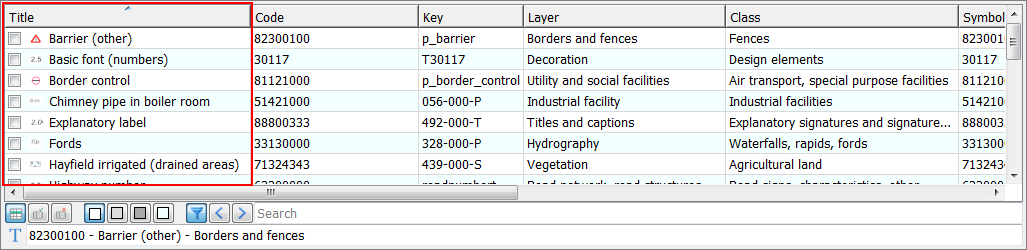
Context menu Moving columns is performed by holding LMB on a column header and dragging. The first four columns are primary and cannot be hidden or moved. Clicking LMB on a column header sorts the table by the values in that column.
Sorted table |