Object Table

Print Previous page Top page Next page

clip0072


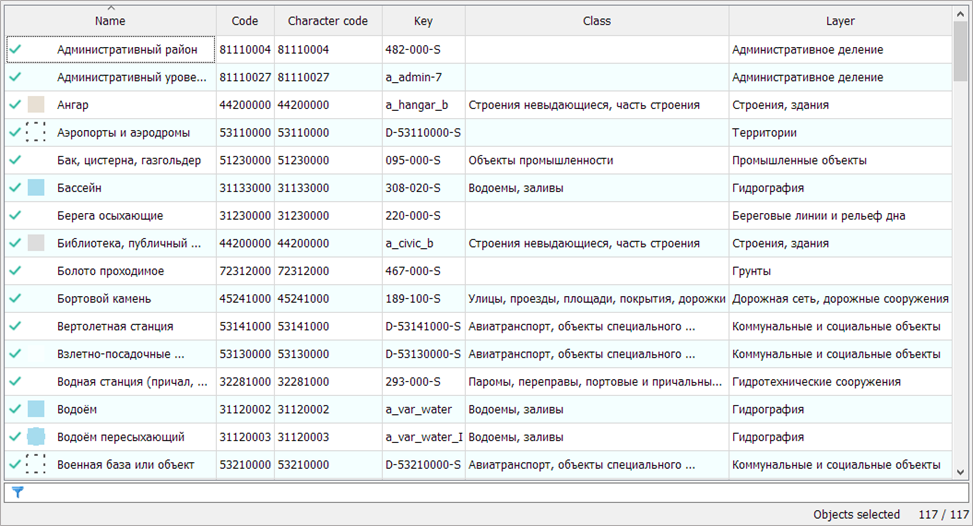
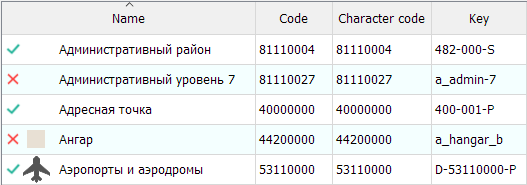
The composition of object types is presented in a table. The selection status of an object type is changed using the left mouse button in the status display area.


Composition of the Classifier's Object Types Table


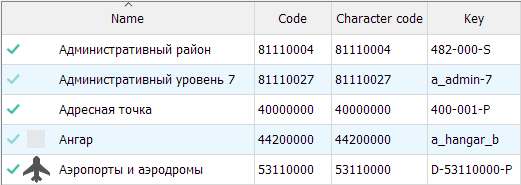
Status

Set/Clear the selection condition for the object type.

clip0073 — the object type is included in the selection criteria.

clip0074 — the object type is excluded from the selection criteria.

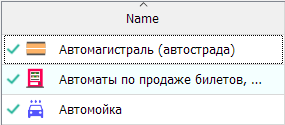
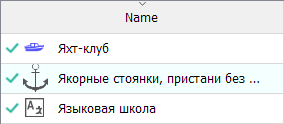
Type

The type of symbol (object).

Name

The name of the object.

Code

The classification code of the object.

Symbol Code

The symbolic code of the object.

Key

The unique key of the object.

Class

The name of the class. An object might not belong to a class. In this case, the field will be empty.

Layer

The name of the layer.


Available Modes


Sorting

Click on the desired column header in the table.

clip0075clip0076

Multiple Selection

Select one or multiple rows using the 'Ctrl' or 'Shift' key + left mouse button.

clip0077

To change the selection status for an object type, click in the status area. A new status will be set for all selected rows.

clip0078

Filtering

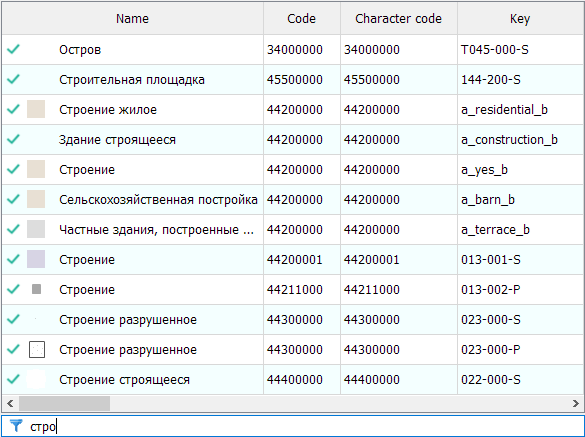
Filtering of the object list is performed by the following fields: Name, Code, Symbol Code, Key. Filtering is done by any substring match and is case-insensitive.

To filter, enter a value in the field.

clip0079

clip0080


The Invert Objects and Reset Objects modes are applied to the list of objects filtered by the specified conditions (layers, classes, localization, and field value filter).