User's image of object |


|
|
For special-purpose maps that feature non-standard object types, the user can connect programmable symbol libraries: IML (Image Library, for 32-bit applications) or IML64 (for 64-bit applications).
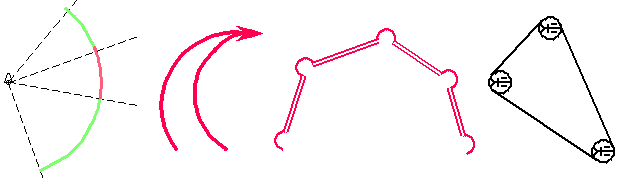
Examples of the symbols created by means of user libraries
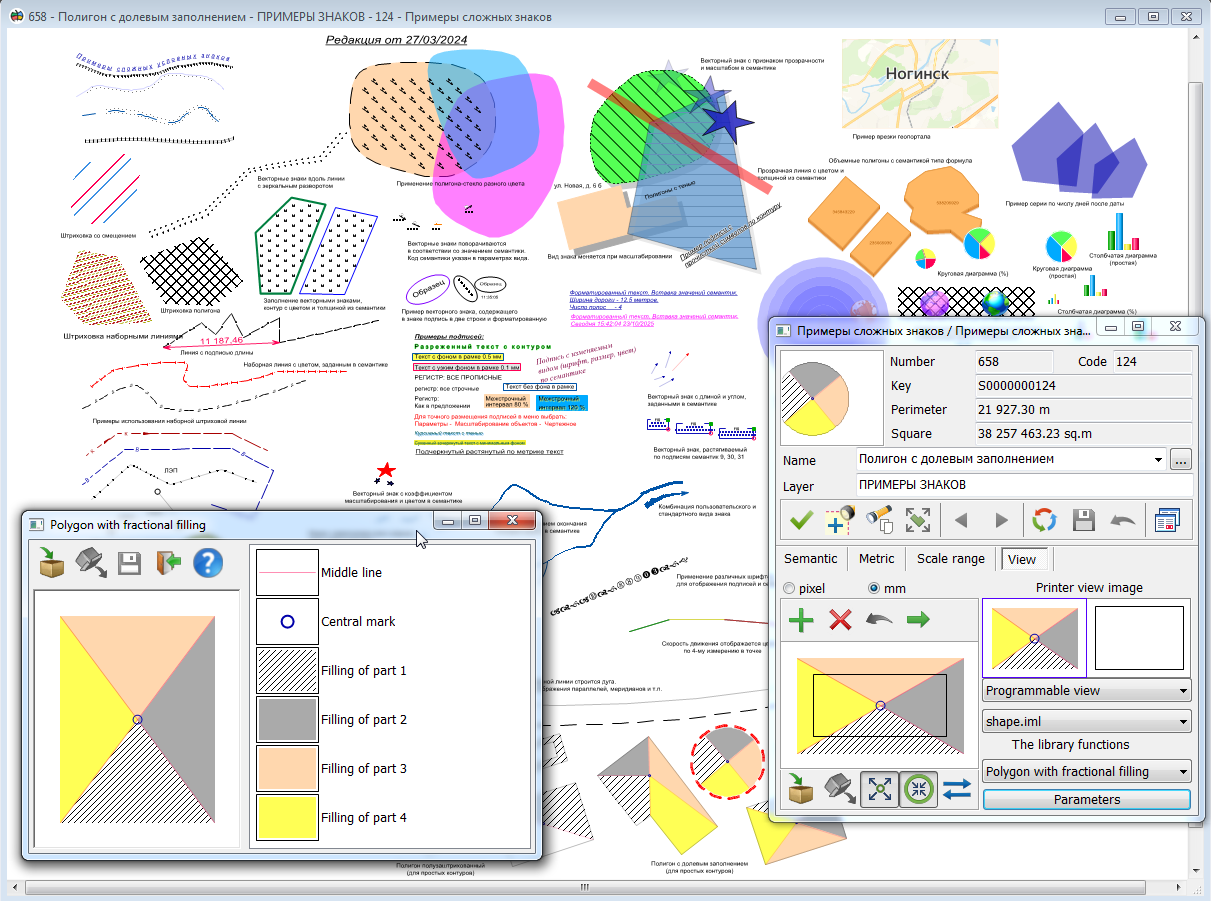
For use of the user library, it is necessary to be convinced, that the given library is connected to the classifier (section 9. Editing of libraries table). For conversion of object from the user image into standard image and back use the opened list under the style of object. For editing an image of the user's object choose the necessary library from the list of user libraries. If user libraries are not present, there is one element in the list: library is inaccessible. Each library can contains some conventional symbols. Choose necessary object from the User's image list. For editing its parameters press Parameters button. In the appeared dialog the right field contains the list of the separate primitives making object. Double left mouse button click onto the image of primitive allows to call the dialog for its updating. The procedure for developing programmable symbol libraries (IML) is described in the document "Applied Tasks. Developing New Modules." Examples of libraries connected to various map classifiers, with source code in C/C++, are contained in the file sdk15.zip\imlapi. Libraries can be developed in Qt, Visual C++, or Delphi environments, depending on the intended platform.
Examples of programmable symbols on the map shape.sitx. |