Import lists from included maps |


|
|
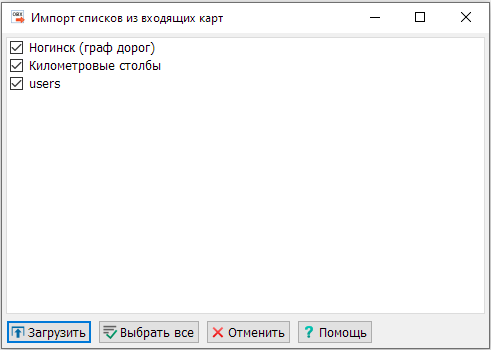
This mode is designed for importing lists from maps included in the document. This dialog only contains those maps that include object lists. By default, all maps are selected for loading lists. All object lists from each map will be added.
If a list already exists in the source OBX file, it will not be added.
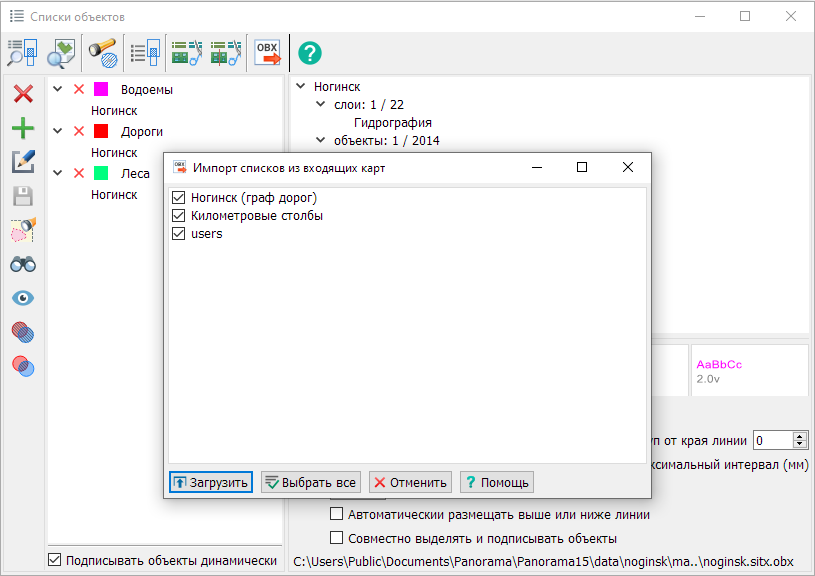
Example of importing object lists: 1. Open the Object Lists dialog and select the Import lists from included maps mode.
2. Select the map "users".
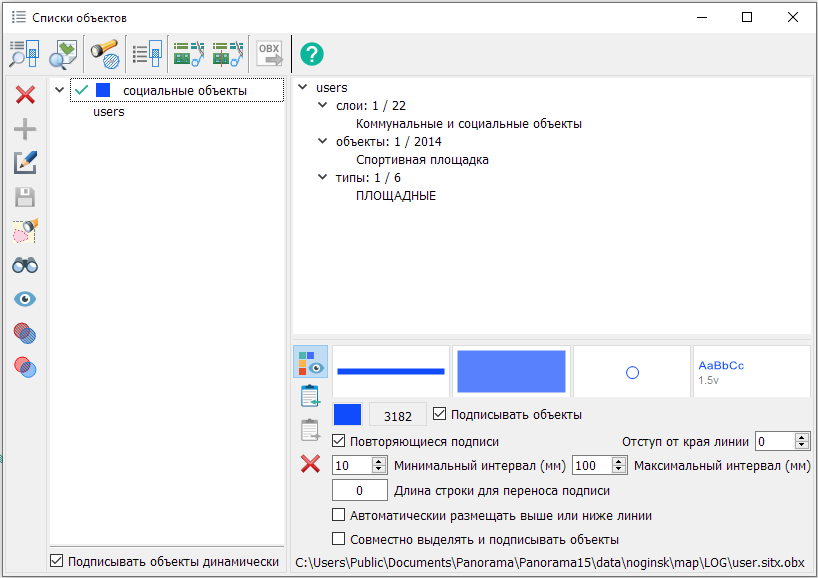
Object lists of the "users" map
3. Click Load.
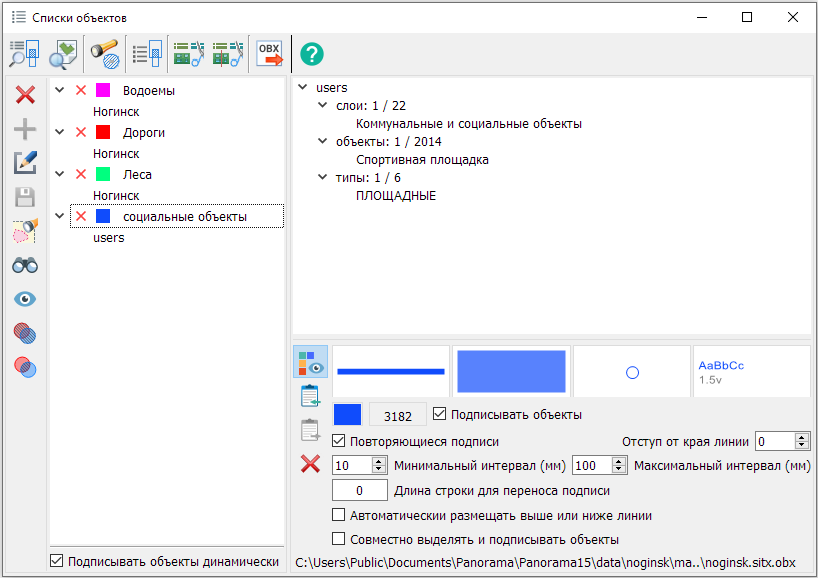
4. Load result.
|